Wednesday, January 11, 2012

Week11, Lab2: Squash & Stretch

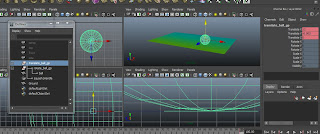
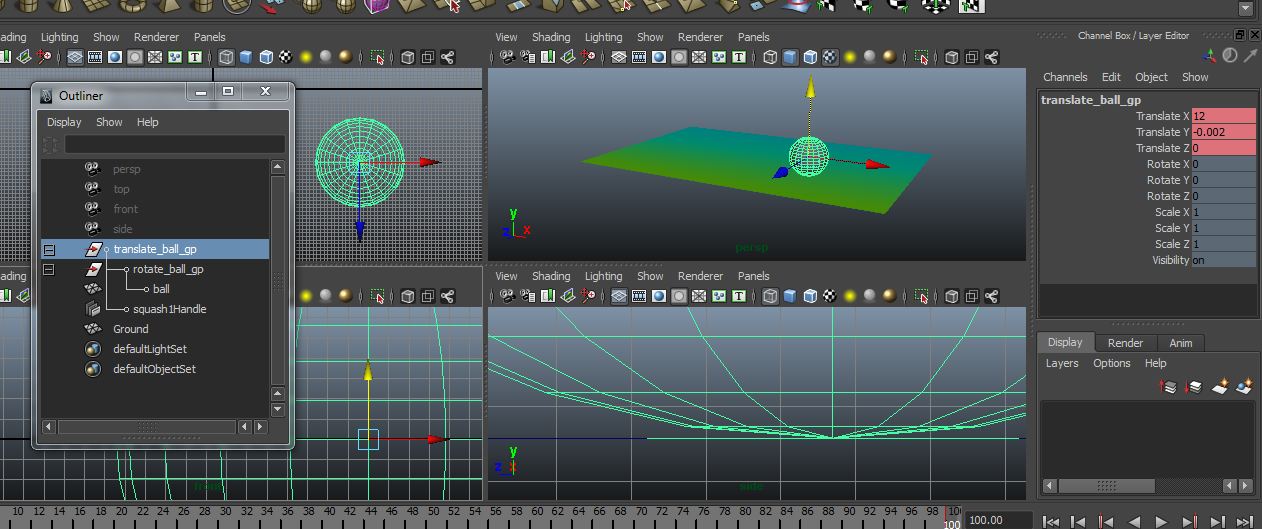
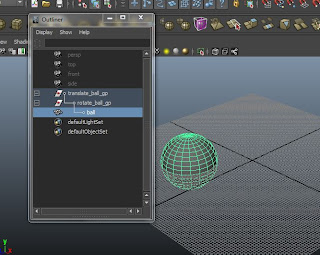
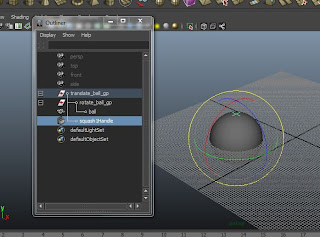
Following instructions, i created a sphere & grouped it twice.
Then renaming the groups with a proper name.


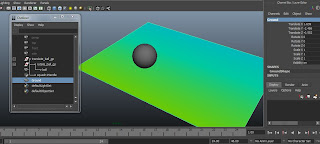
Moving on, i created the floor for the ball to bounce on.
& apparently applied colour to it.


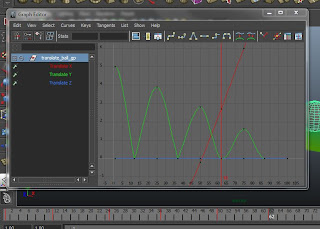
& then setting the keyframes for the ball to actually bounce.
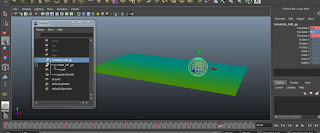

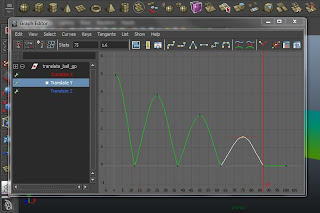
Had to adjust the graph as parts of it just wasn't right.
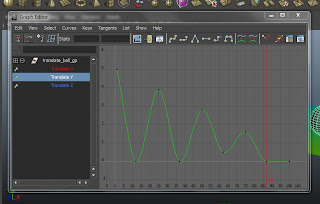


The ball looked as if it was floating towards the end.
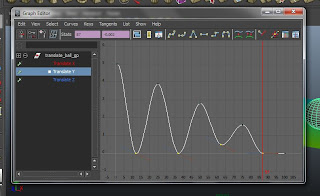


Here...i don't know what happened & i don't know why. (im sick & delusional)
I gave up halfway & randomly applied colours to the ground & ball.
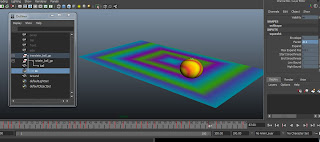
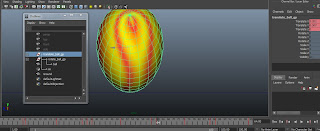


So here's a playblast of the ball, after setting the keyframes for the rotation & squash/stretch.
Apparently, i think i created too large a sphere, so it's like, the ball has this extreme gravitational field acting on it.


Here's the second playblast of the animation of a bouncing ball with squash & stretch added as well. I resized the sphere so it's not like some massive blob bouncing unnaturally & incredibly weird. Again, i was sick & randomly applied colours to annoy whoever views this for my own entertainment.


Reflection:
Keyframing is tedious as the timing of the squash & stretch has to be perfectly timed to match the moments when the ball hits a surface. It isn't as visible from the video but at some point, the ball didn't actually hit the ground. And apparently, i was too lazy to change the XYZ values even though it's just off my a few digits. Like i said, i was sick. :D

Sunday, January 8, 2012

Week11, Lab1: Keyframing

Tutorial exercise:


Reflection:
This exercise was easy, the instructions were easy to follow as well.
The playblast of the ball bouncing may seem a little weird because of the timing of each bounce.

Saturday, December 31, 2011

Project 1: Self-Critique

Firstly, I am not completely satisfied with my model of my laptop.
There is a part (face) of the laptop with was somehow distorted after the smooth mesh was applied. & I wasn't able to undo it.
I didn't want to use bevel as the smooth mesh looks better, besides the fact of one distorted face.

The most successful part of my model, I feel, is the keyboard. It was easy as it consisted of mostly duplicating then resizing to form the different keys. At this point in time, Boolean difference worked fine. No problems at all.
But when it came to trying to cut the face into the main body of the laptop, I wasn't able to use Boolean Difference because my objects would disappear. Instead, i had to extrude faces to create a depression in the object.
As you can see from the image below, the distorted face near the trackpad.


This is the front view. It looks different because of the angle at which i took of my actual laptop.
I applied a reflective material to the screen & lens of the laptop so at some angles, it looks pretty weird. The frame around the screen has small bumps, in the shape of a square & rectangle with rounded ends. These I achieved by cutting lines & extruding faces then applying Smooth Mesh to it.


From the top view, you can see very clearly i actually failed to include the on/off button. I wasn't able to cut faces or insert lines or do Boolean. As mentioned earlier, Boolean causes the selected objects to disappear. Yet strangely, i was able to do Boolean Difference for the track pad.
Comparing these images side by side, the difference between them is little aside from the fact that my model is missing the on/off button.


Here's the side views of my laptop.
I am actually happy about the USB ports & such. Although I'm not sure if I did them the right way. Again, Boolean Difference didn't work. So instead, I created lines using the Insert Edge Loop tool & extruded faces to create the holes. As well as the small bits & pieces that stick out in the middle of the USB ports.
Comparing my model to my actual laptop, the USB ports are quite similar on the surface. Though I am not that sure on the inside of the ports because the details very small & i even used a torch to shine into the holes to make sure i got the insides right.


In conclusion, the problems I encountered while modelling my laptop mostly applies to using the Boolean Difference function. Other problems are just that after creating the keyboard, I experienced extreme lag. Maya would hang occasionally & crash every time I try to open a new scene.
Apart from that, I was able to successfully create a model of my laptop (though the likeness is questionable).